All Lights Flashing

All lights on the WIC2 box should be solid green (or flashing green in test mode)
Use this guide to diagnose an issue when all lights on the WIC2 computer box flashing.
No action is required for solid green lights, therefore, they will be ignored for the purpose of this troubleshooting guide.
All Lights
Tools Required
- Smartphone with up-to-date Optiweigh app downloaded
- Small flathead screwdriver
- 10mm Spanner
- 4mm Allen Key
- Multimeter
Diagnosis

All lights will Blink Green-Red-Off and Beep when there is no power from the battery
Resolutions
1 - Check the Fuse
The fuse can be found in the black holder, usually above or behind the battery
- Turn the WIC box off and remove the power plug
- Open the fuse holder and check the fuse.
- If blown, replace with a standard 20A blade fuse
- Ensure the connections on the battery are tight with a 10mm spanner
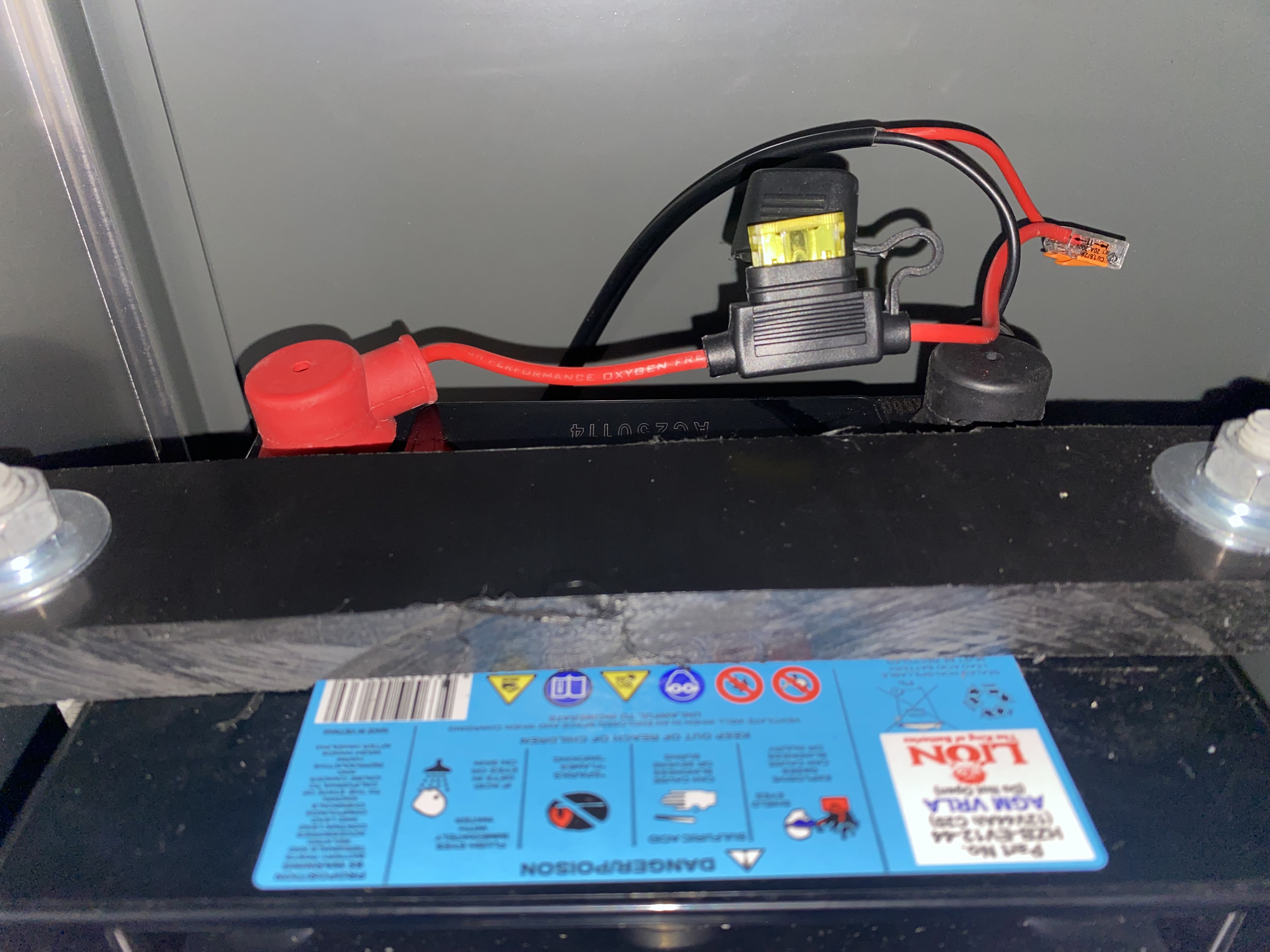
- If blown, replace with a standard 20A blade fuse
2 - Secure Connections
- Follow the lead from the battery to the Earth to the WIC2 box looking for any exposed wire or loose connections
- Ensure the connections into the plug and into the WIC2 box are secure with a flathead screwdriver
- Ensure the leads going to the Earth are secure with a 4mm Allen Key

Get in touch with the Optiweigh Support Specialists at 1300 678 493 or support@optiweigh.com.au, and let them know what you’ve tried.
They can help walk you through a recalibration or replacement of parts.